
Overview
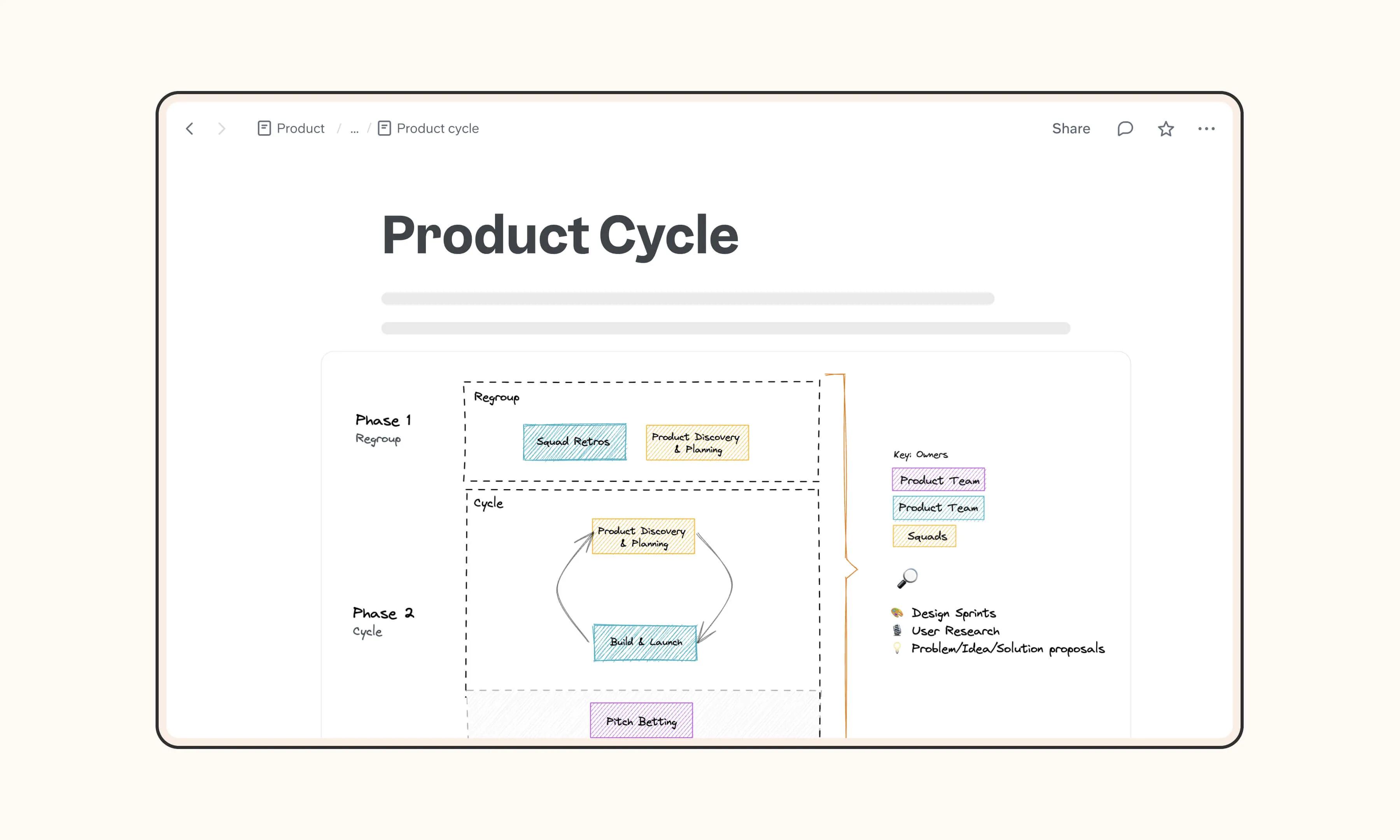
Leverage the familiar Excalidraw functionality directly in Slite's Sketch, making it your one-stop solution for brainstorming and visualizing ideas within the editor. There's no need for additional tools like Miro Boards or Figma—Sketch is seamlessly integrated into the Editor.
How it works
Adding a Sketch is simple. Type the /sketch command or click "Sketch" in the editor menu. Then, double-click the block to begin sketching. Personalize your sketch with the tools available on the top bar and sidebar.




©2026 Slite, Inc.